
Create the right mood
Choose practical whites, warmer evening light or colour when the product supports it.
WiZ smart lighting
Create the right light for working, relaxing and entertaining, then control it from the WiZ app, compatible smart-home platforms or dedicated WiZ controls.
Why smart lighting?
WiZ adds flexible light, schedules, shared control and automation without turning the buying decision into a technology project.
Choose practical whites, warmer evening light or colour when the product supports it.
Use schedules and light modes so everyday lighting can happen with less manual switching.
Use the WiZ app, compatible voice and smart-home services, or WiZ control accessories.
Compatible Bluetooth-enabled WiZ lights can use SpaceSense Wi-Fi sensing for motion-based automation.
How WiZ works
Match the base, fitting and light output you need first. Smart features come after the fundamentals are right.
Set up WiZ lights through your Wi-Fi network with the WiZ app. Normal WiZ setup does not require a separate lighting hub.
Create rooms, light modes, schedules and shortcuts, then add compatible controls or integrations if you want them.
WiZ setup uses 2.4 GHz Wi-Fi. Product features and smart-home compatibility vary by model and generation.
Start with the job
Choose by the outcome you need, then confirm the individual product specification before ordering.
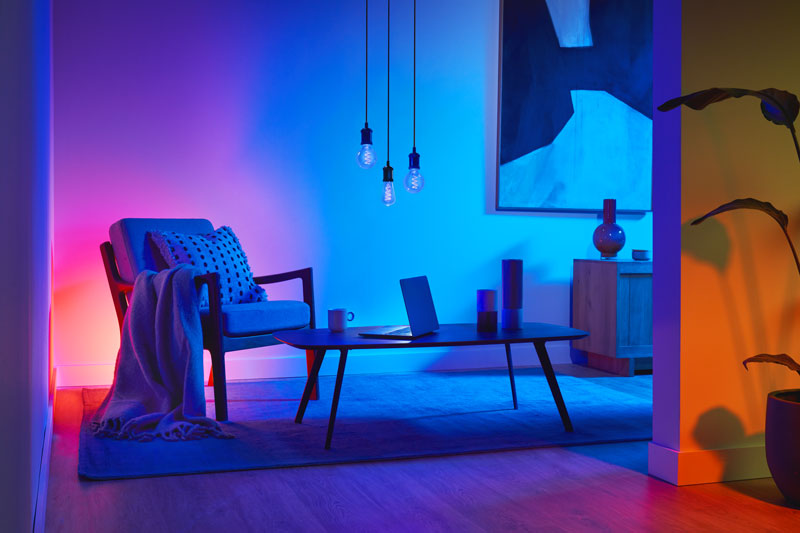
Replace an existing lamp
Start with the fitting you already have: GU10, E27, B22, E14 or a decorative lamp shape.
Browse smart bulbs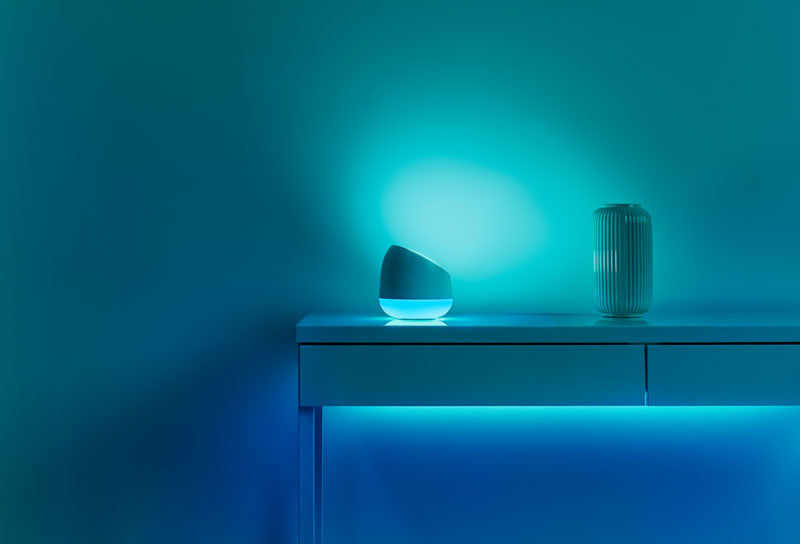
Add a complete smart light
Use complete fittings, portable lights and flexible strips when you are adding light rather than replacing a lamp.
Browse luminaires & strips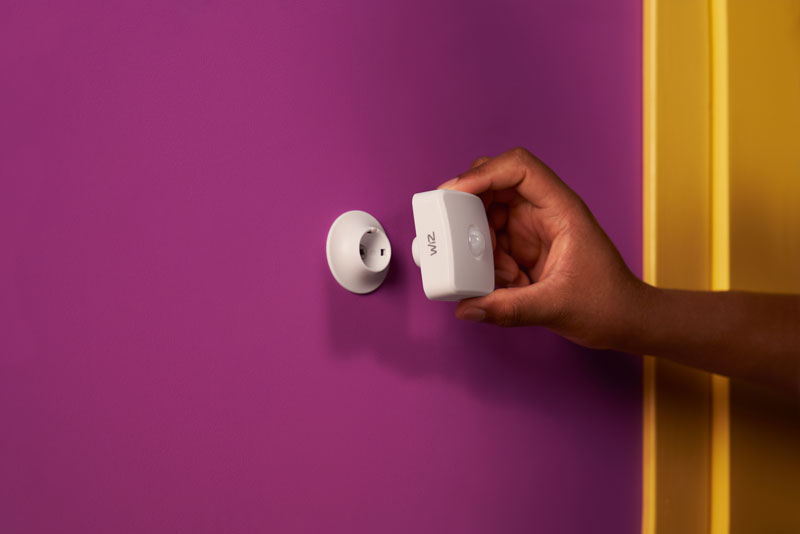
Control your setup
Add a WiZmote or sensor when you want dedicated control without relying only on your phone.
Browse controls & accessories
The WiZ App
Create rooms, choose preset light modes or colours, save shortcuts, share access with household members and schedule lighting around the way you live.

SpaceSense
SpaceSense uses disturbances in Wi-Fi signals between compatible WiZ devices to detect movement. That can automate lighting without adding a separate physical motion sensor.
SpaceSense requires Bluetooth-enabled compatible WiZ devices. Positioning and Wi-Fi topology affect sensing performance.
Discover SpaceSenseSmart-home compatibility
WiZ supports major smart-home ecosystems. Compatibility depends on the specific WiZ product and its generation, so we keep the product decision separate from the platform promise.
*Matter support is not universal. WiZ lights and smart plugs made from Q2 2021 onward are the main supported group; WiZmote and Motion Sensor are not Matter devices.
Imagine the room, not the technology


Shop the range
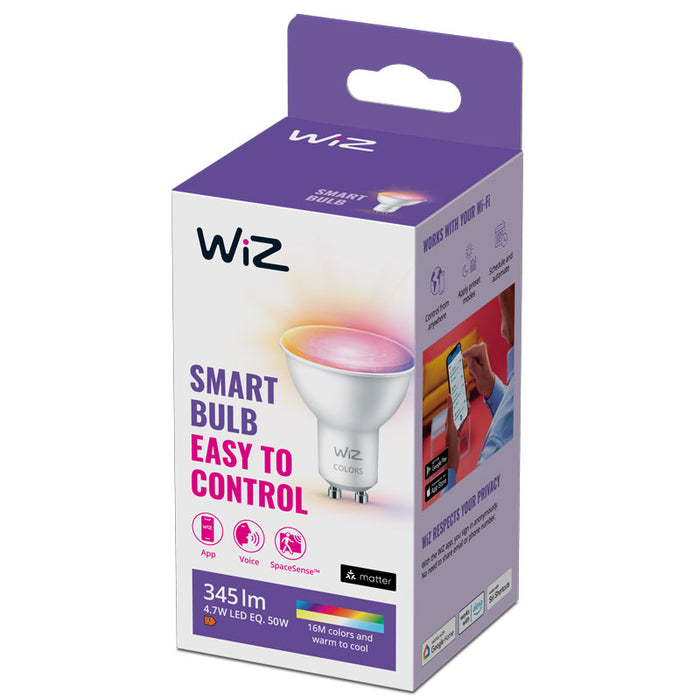
R 199.00
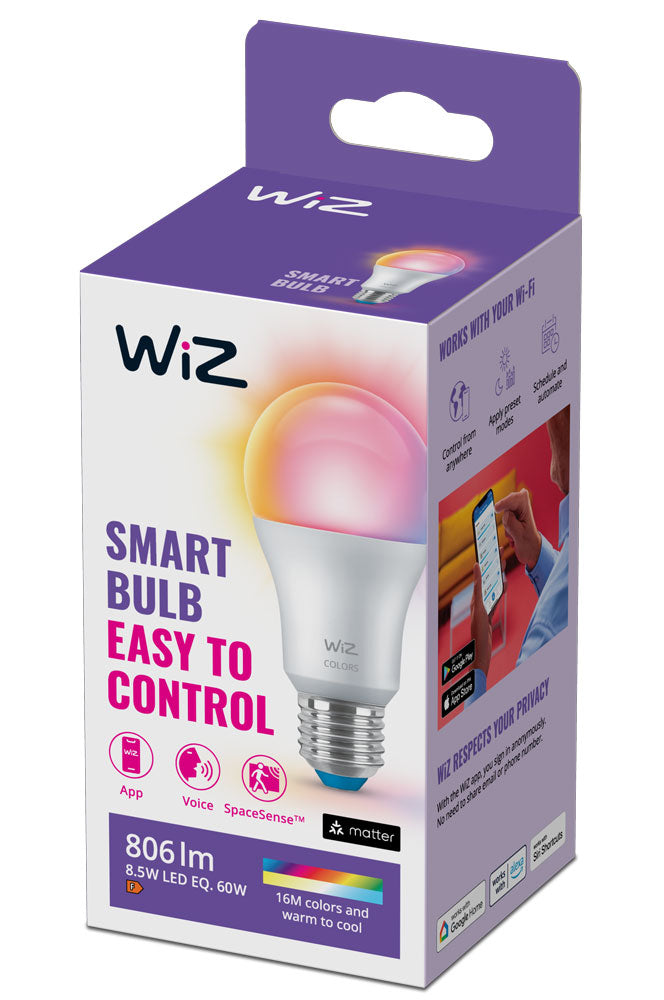
R 279.00
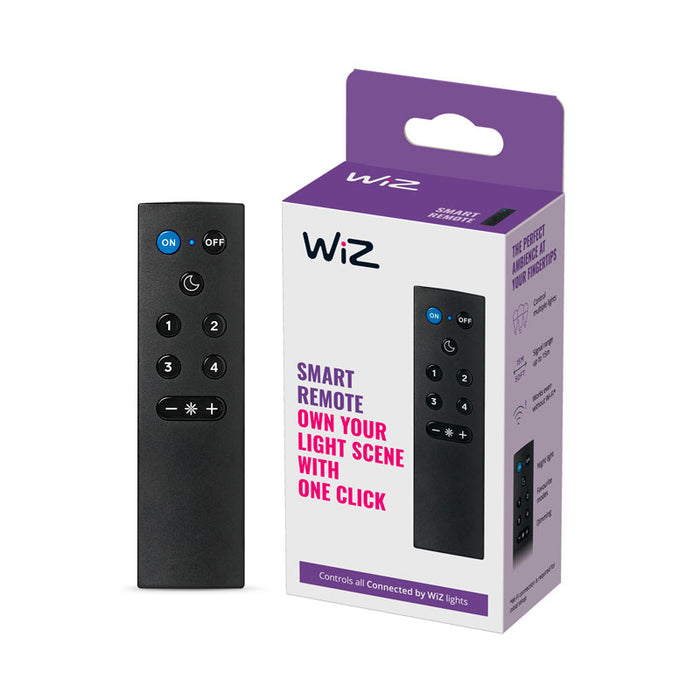
R 299.00
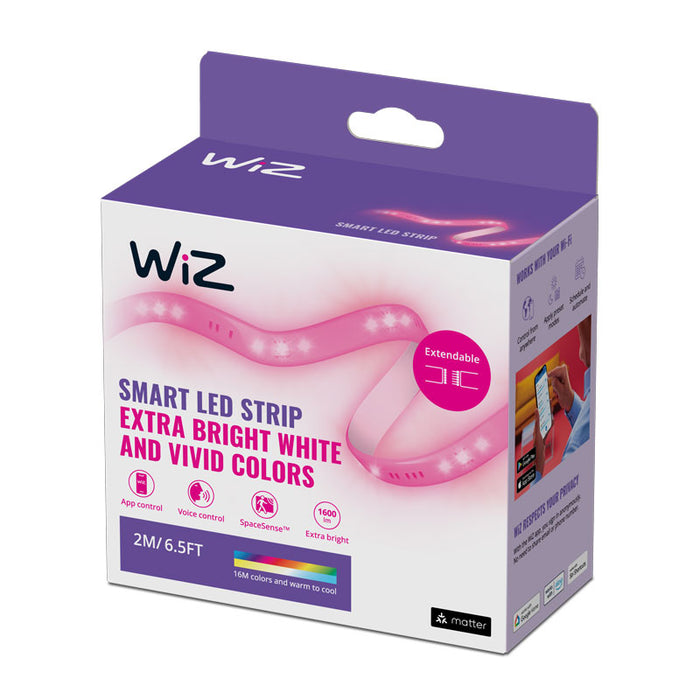
R 379.00
Before you buy
These answers are intentionally practical. Always check the individual product page if a particular fitting, integration or feature is essential.
No separate WiZ lighting hub is required for normal setup. WiZ lights are set up through your Wi-Fi network with the WiZ app.
Match the physical fitting first. Common WiZ lamp bases in our range include GU10, E27, B22 and E14. Then compare brightness, colour capability and dimensions.
Yes. The WiZ app supports household access so other people can control the home's lights without rebuilding your rooms and presets.
WiZ provides power-on behaviour and a power-outage-recovery setting. Very short or repeated outages can sometimes be interpreted as wall-switch input, so behaviour may differ in those edge cases.
No. SpaceSense requires compatible Bluetooth-enabled WiZ devices and at least two compatible lights in the room. Older Wi-Fi-only devices do not support SpaceSense.
No. Matter support depends on product type and generation. If Matter is important to you, confirm the specific product rather than assuming every WiZ accessory supports it.
Ready to make your lighting smarter?