
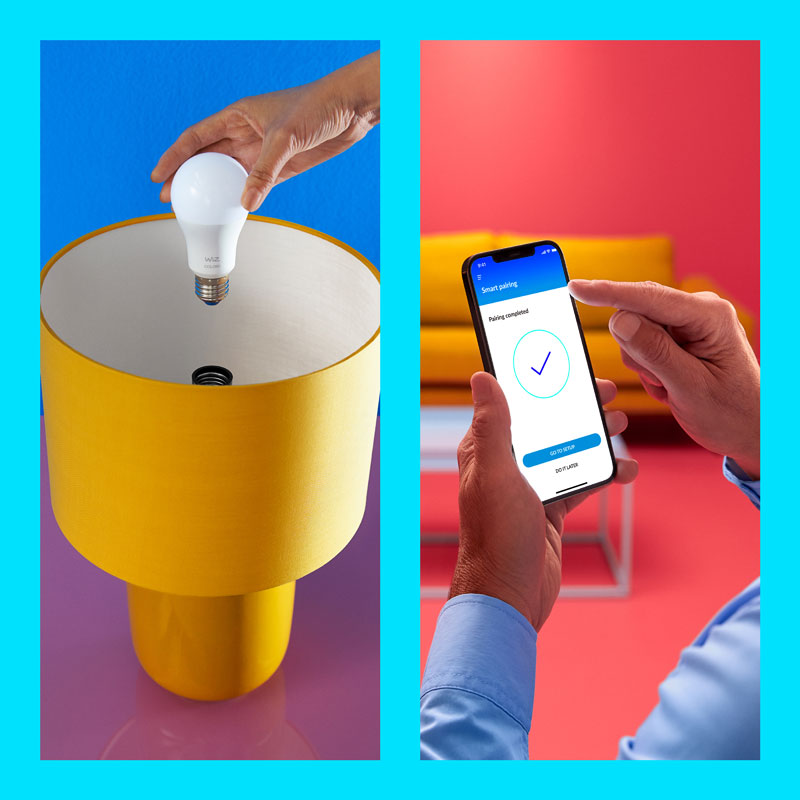
Smart lighting should make your home easier to live in—not give you another app to manage.
A smart bulb is easy to buy. A genuinely smart room takes a little more thought. The best WiZ setup is not the one with the longest feature list; it is the one where the right light appears when you need it, everyone can still control the room, and the technology quietly removes friction from everyday life.
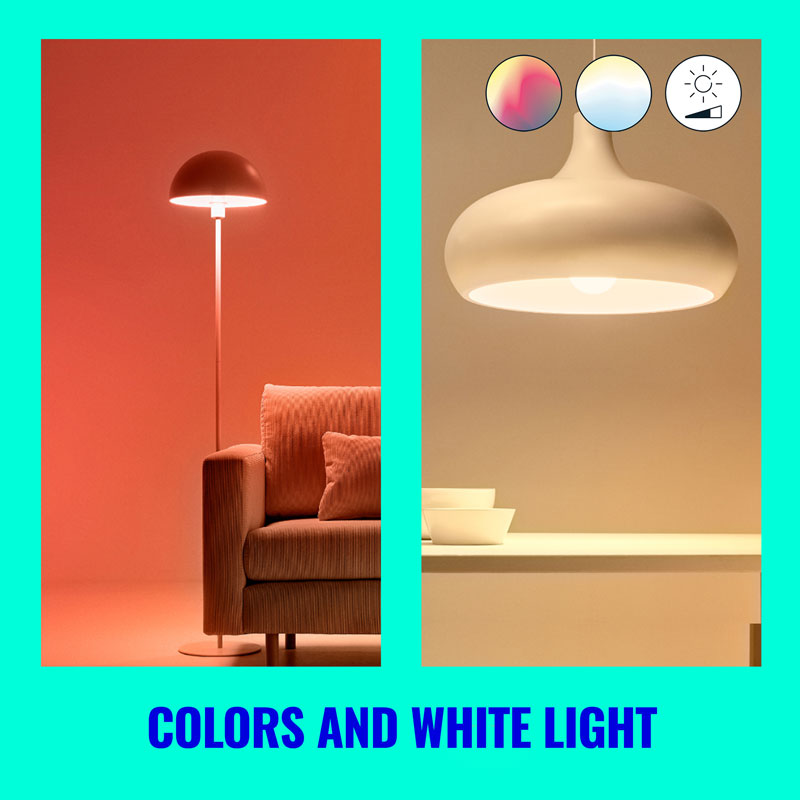
Start with the room—not the technology
It is tempting to start with features: colour, voice control, schedules, Matter, motion sensing and apps. But good smart lighting starts somewhere simpler: what do you want this room to do?
A living room may need bright functional light for cleaning, a warm scene for conversation, low ambient light for television and a little more drama when friends arrive. A bedroom usually needs calm, warm light far more often than it needs saturated colour. A passage may simply need useful light to appear when someone walks through.
Those are lighting problems. Smart technology is another tool for solving them.
The anatomy of a genuinely smart room
Step 1: Get the physical lamp right first
Before opening an app, match the lamp to the fitting and the job. A GU10 spotlight and an E27 bulb may both be smart, but they solve different lighting problems.
Start with what fits
Check whether the existing lamp is GU10, E27, B22, E14 or another format. Similar-looking lamps are not necessarily interchangeable.
Check the lumens
Do not assume every smart lamp is bright enough for the job. Light output still matters.
Think about where the light goes
A focused GU10 beam behaves very differently from a general-purpose A60 bulb, a portable luminaire or a lightstrip.
Match the room
Warm light generally feels calmer; cleaner or cooler white can be useful where clarity and task performance matter.
If you are unsure which lamp base or fitting you have, ask The Light Shop before ordering. The smartest product in the wrong fitting is still the wrong product.
Step 2: Decide what “smart” should actually do
There are dozens of things you can automate. That does not mean you should. Choose one or two problems worth solving in each room first.
Living room
Use scenes to move between reading, conversation, television and entertaining without adjusting every lamp separately.
Bedroom
Prioritise predictable routines, gentle evening light and sensible behaviour after a power interruption.
Kitchen
Make functional task light easy to reach, then add a softer state for later in the evening.
Passage or hallway
This is where motion-responsive lighting—using a compatible sensor or SpaceSense—can remove a small irritation every day.
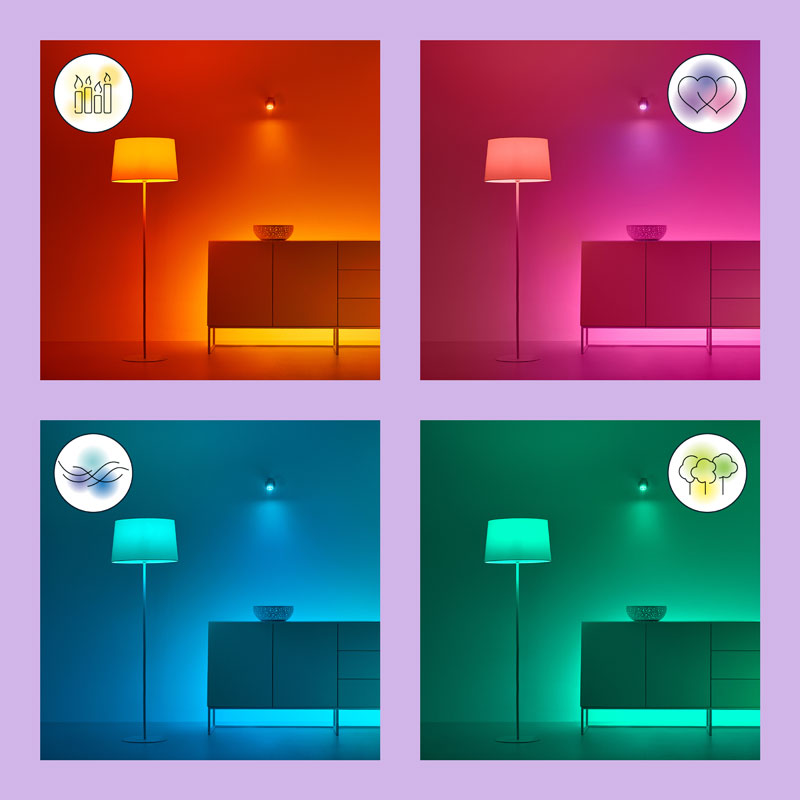
Step 3: Use colour carefully—and get white light right
Colour is what makes smart lighting impressive in a demonstration. White light is what makes it useful every day.
Depending on the specific WiZ product, you may have dimming, tunable white, full colour or a combination of these. Always check the specifications of the individual lamp or luminaire rather than assuming every WiZ product has identical capabilities.
InfographicLight through the day
Start the day with enough light to wake, prepare and get moving.
Use clear, comfortable light for work, cooking and detailed tasks.
Reduce visual intensity and move the room toward a calmer atmosphere.
Keep enough light to move comfortably without making the room feel like midday.
Step 4: Let the WiZ app set up the experience—not become the only light switch
The WiZ app is where you organise lights into rooms, select modes, create scenes, configure schedules and manage compatible automations. It is powerful, but a good smart home should still make sense when your phone is in another room.
Think about your partner, children, visitors and anyone else who expects a light switch to behave like a light switch. Physical controls, wall-switch behaviour, voice control and dedicated WiZ accessories can all help keep the experience intuitive.


Step 5: Control a room with scenes—not bulbs one by one
Imagine a lounge with five smart lights. You could open the app and adjust all five individually every evening. That would be smart technology used in a very unintelligent way.
A better approach is to build scenes around what you are actually doing:
- Reading: brighter task light near the chair with lower ambient light elsewhere.
- Movie: reduce glare around the television and keep only enough background light to move comfortably.
- Dinner: use warm, comfortable illumination.
- Cleaning: bring everything up to practical working light.
- Late night: keep light low, warm and purposeful.
One intention should control the room. That is where smart lighting starts to feel intelligent.

Step 6: SpaceSense is where things get genuinely interesting
SpaceSense uses changes in Wi-Fi propagation between compatible WiZ lights to detect movement. That can let the lighting respond to motion without adding a separate dedicated motion detector.
Current WiZ guidance requires at least two compatible WiZ lights in the same room, with roughly 2 metres / 6.5 feet between them for setup. Bluetooth-capable WiZ lights support SpaceSense; the oldest Wi-Fi-only devices do not.
Placement matters. WiZ also notes that some mesh networks and repeaters can reduce SpaceSense performance, so the participating lights should ideally use the same Wi-Fi access point.

How SpaceSense works
SpaceSense does not magically turn every historical WiZ product into a motion sensor. Check product compatibility first.
Wi-Fi signal
signal pattern changes
lighting action runs
SpaceSense or a dedicated motion sensor?
Both can be useful. There is no universal winner.
| Decision | SpaceSense | Dedicated WiZ sensor |
|---|---|---|
| Extra visible sensor | No separate detector required for the motion-sensing function. | Yes, a dedicated sensor is installed. |
| What you need | At least two compatible WiZ lights and a suitable Wi-Fi setup. | Compatible WiZ lighting plus the sensor. |
| Strong use case | Passage or room where compatible lights are already well positioned. | Entrance or zone where you want a deliberate detection point. |
| Key consideration | Light placement and Wi-Fi topology affect performance. | Physical sensor placement affects detection. |
Step 7: Your Wi-Fi matters—but it does not need to be exotic
WiZ products use 2.4 GHz Wi-Fi for normal connectivity, and many current products also use Bluetooth as part of pairing and compatible features. In practical terms, the important thing is reliable network coverage where the fitting is installed.
Before blaming a lamp, check the network. This becomes even more important when you are planning motion automation or multiple devices across a large home.
Step 8: Think about power interruptions before they happen
For South African homes, power behaviour deserves explicit attention.
By default, WiZ lights can turn on when power is restored. WiZ also provides Power outage recovery. When enabled, lights that were off, in Night Light or in Bedtime mode when power disappeared can remain off when power returns instead of unexpectedly illuminating the room.
South African setup tip
After installing your WiZ lights, review Home Settings → Others → Power outage recovery in the WiZ app, then test what your particular room does when power is removed and restored. Do not wait for a real outage to discover the answer.
Very short or repeated outages can sometimes be interpreted differently by the lights, so treat this as a useful control rather than a guarantee that every power event will behave identically.
Step 9: Add the wider smart home last
Compatible WiZ products can integrate with broader ecosystems such as Alexa, Google Home, Samsung SmartThings and Matter. The exact integrations available depend on the product and generation, so check the specific product before assuming compatibility.
These integrations become valuable when they simplify a real action—such as “turn off downstairs” or recalling a lounge scene. They are less useful when they simply create another layer of configuration.
If the room is poorly lit, connecting it to five smart-home platforms will simply create a highly connected poorly lit room.
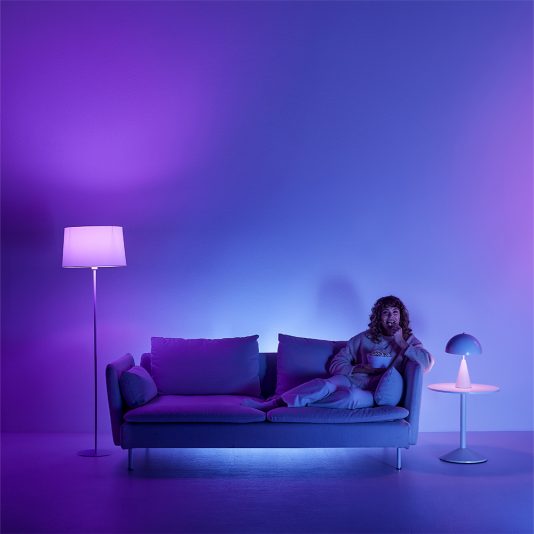
A day in a well-designed WiZ home
Notice what is missing from that day: nobody spends it staring at a smart-lighting app. That is the goal.
Three sensible ways to start
One lamp
Choose a fitting you use every day. Learn the app, try a schedule and decide what genuinely improves the room before expanding.
One complete room
Several lights in one room teach you much more about scenes, group control, routines and physical control than one smart lamp in ten rooms.
One annoying problem
Ask what lighting inconvenience happens almost every day—then solve that first. It is often the fastest route to a system you actually value.
Then expand
Once the first room works well, use what you learned to decide where smart lighting deserves to go next.
Five smart-lighting mistakes worth avoiding
- Buying the feature before checking the fitting. No software can turn an E27 lamp into a GU10.
- Using colour as a substitute for lighting design. Brightness, position, beam and comfortable white light matter more.
- Automating everything immediately. Start with one useful behaviour; complexity is easy to add later.
- Making the phone the only switch. Design the room for everyone who uses it.
- Assuming every WiZ product has identical capabilities. Check the exact product's connectivity, functions and compatibility.
Your WiZ buying checklist
- Fitting: GU10, E27, B22, E14 or a complete luminaire?
- Output: is there enough light for the job?
- Light type: dimmable white, tunable white or full colour?
- Control: app, switch, remote, voice, sensor or SpaceSense?
- Automation: which routine do you genuinely want to improve?
- Network: is 2.4 GHz Wi-Fi coverage reliable at the fitting?
- Compatibility: does the specific product support the feature you want?
- Power behaviour: how should the room behave after an interruption?
Smart lighting should make the home simpler
There is a temptation to judge a smart home by how much technology it contains: more apps, more automations, more integrations, more devices.
We prefer a different measure: does the room work better?
Does the right light appear when you need it? Can everyone still control it? Does the lighting suit what you are doing? Has technology removed friction—or added another layer of it?
WiZ gives you enough tools to build anything from one connected lamp to a genuinely responsive room. The trick is not using every feature. The trick is choosing the few that make your home better.
Build the room you actually want to live in
Start with the lighting problem, choose the right product, then add the smart features that make the space easier to use.